Unity Hub Pro

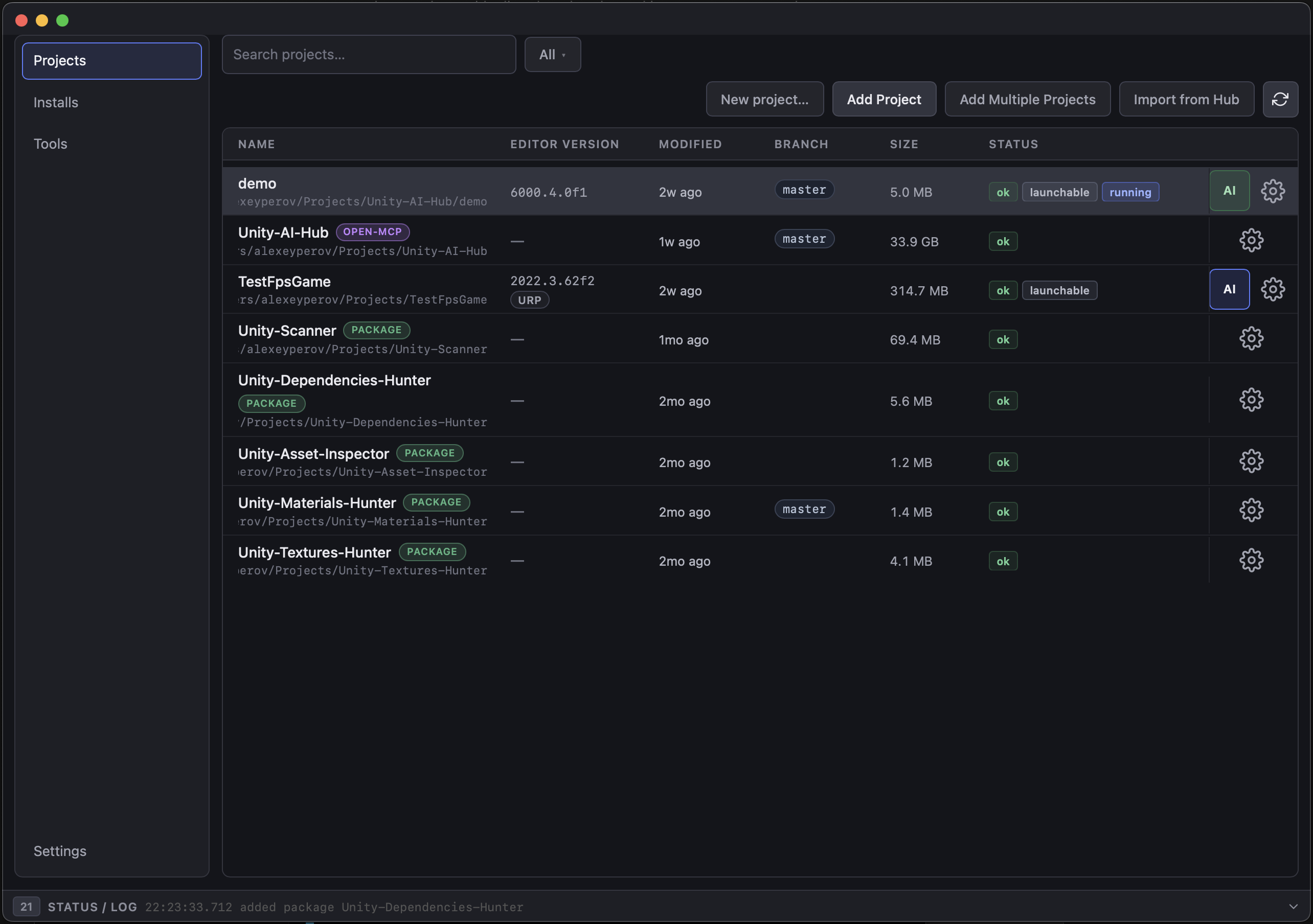
The desktop companion app for Unity Open MCP — manage Unity projects, run the AI Setup wizard for MCP onboarding, and handle maintainer workflows from one UI.

Built with Tauri 2 and SvelteKit (Svelte 5), with a Rust command backend. It also does general Unity project management — launching, version discovery, environment variables, and diagnostics.

GitHub

Features

Unity Hub seed import

On first launch, reads the local Unity Hub project registry and imports all projects — a one-time seed that never overwrites your later edits.

AI Setup wizard

A six-step wizard that detects the project, installs bridge/verify packages, writes the MCP client config, and verifies health.

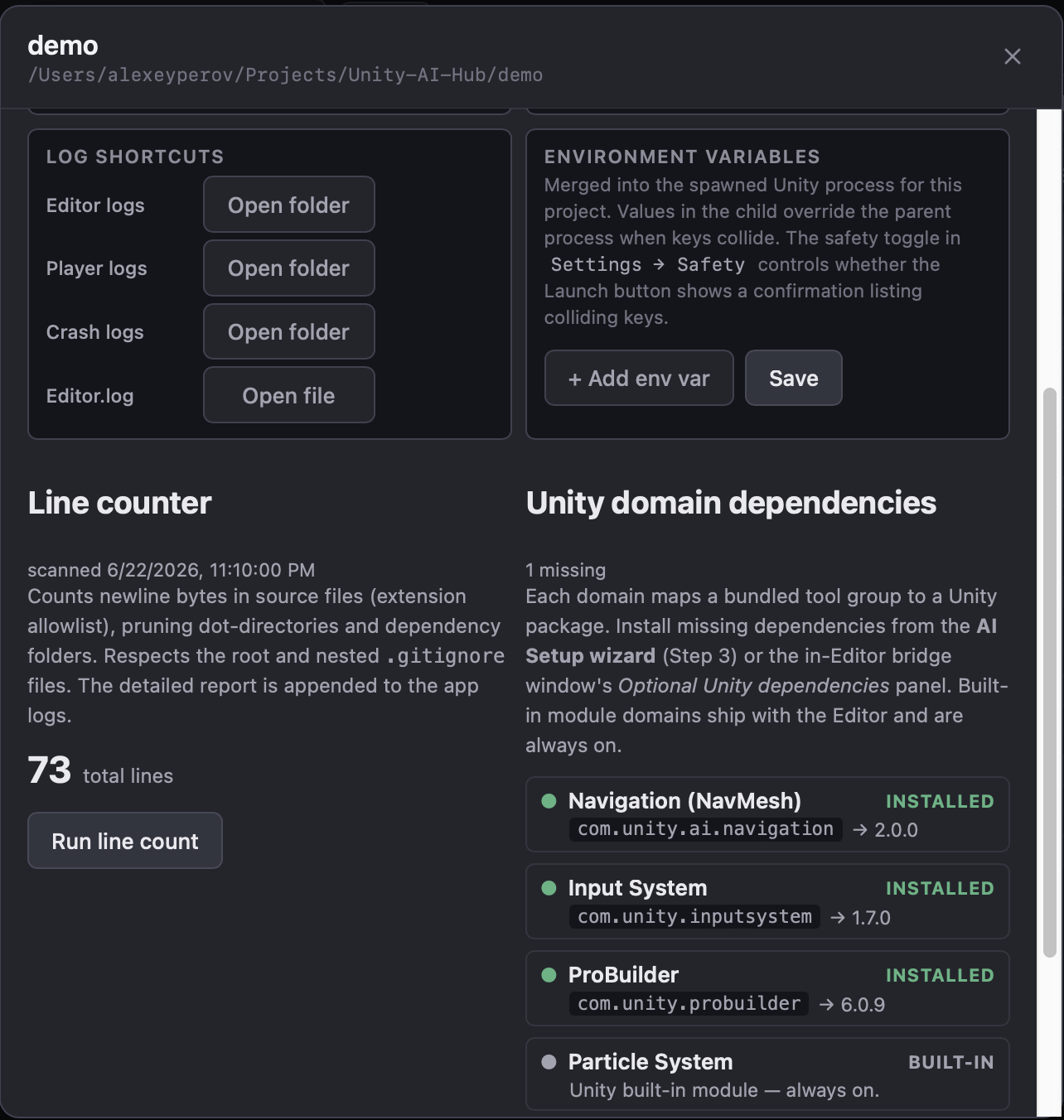
Per-project launch & env vars

Launch Unity with per-project arguments, platform intent, and KEY=value environment variables — with collision detection and a confirmation modal.

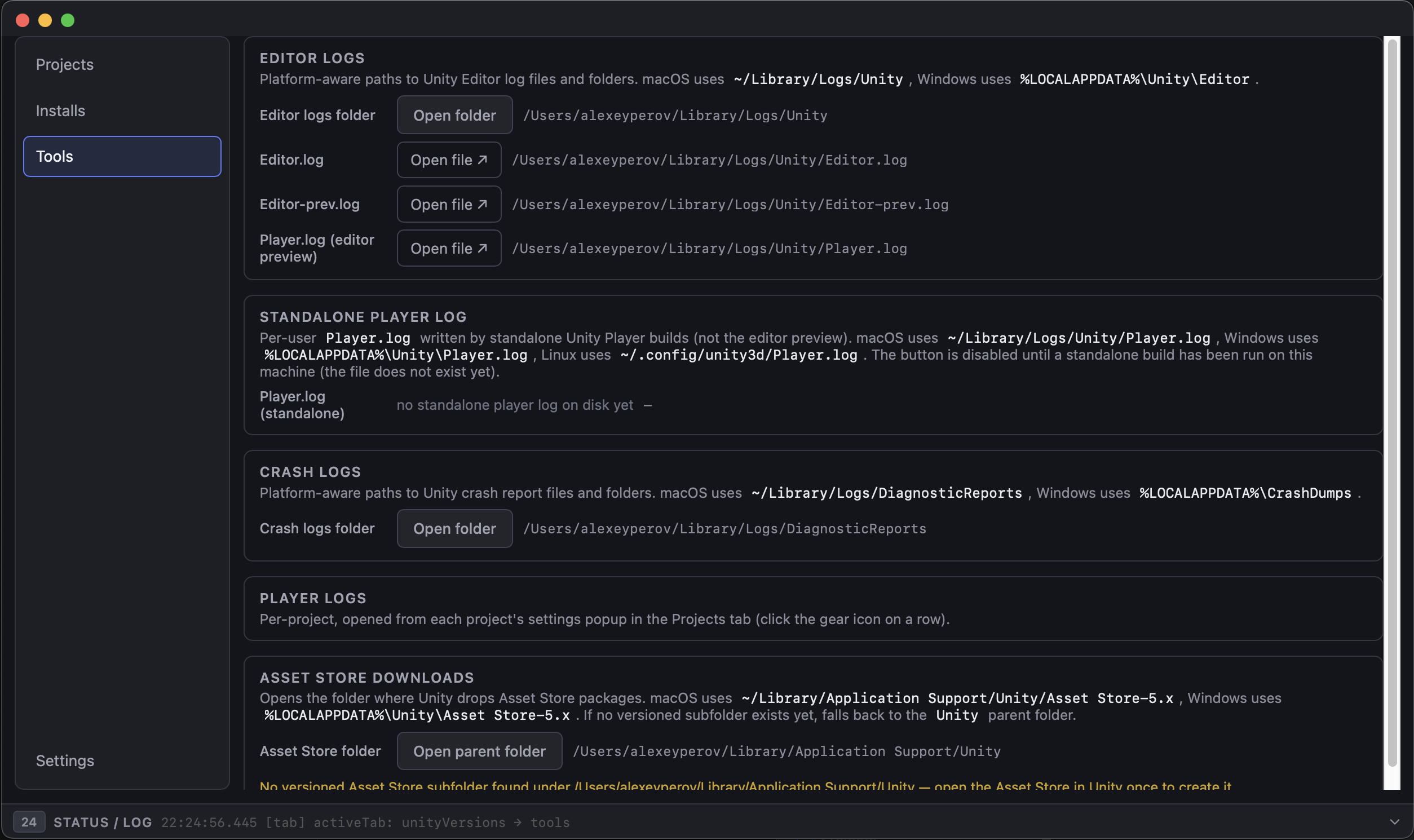
Diagnostics & launch logging

Every launch writes a JSON-Lines record with a typed outcome; size-based rotation and a Status drawer that auto-expands on failure.

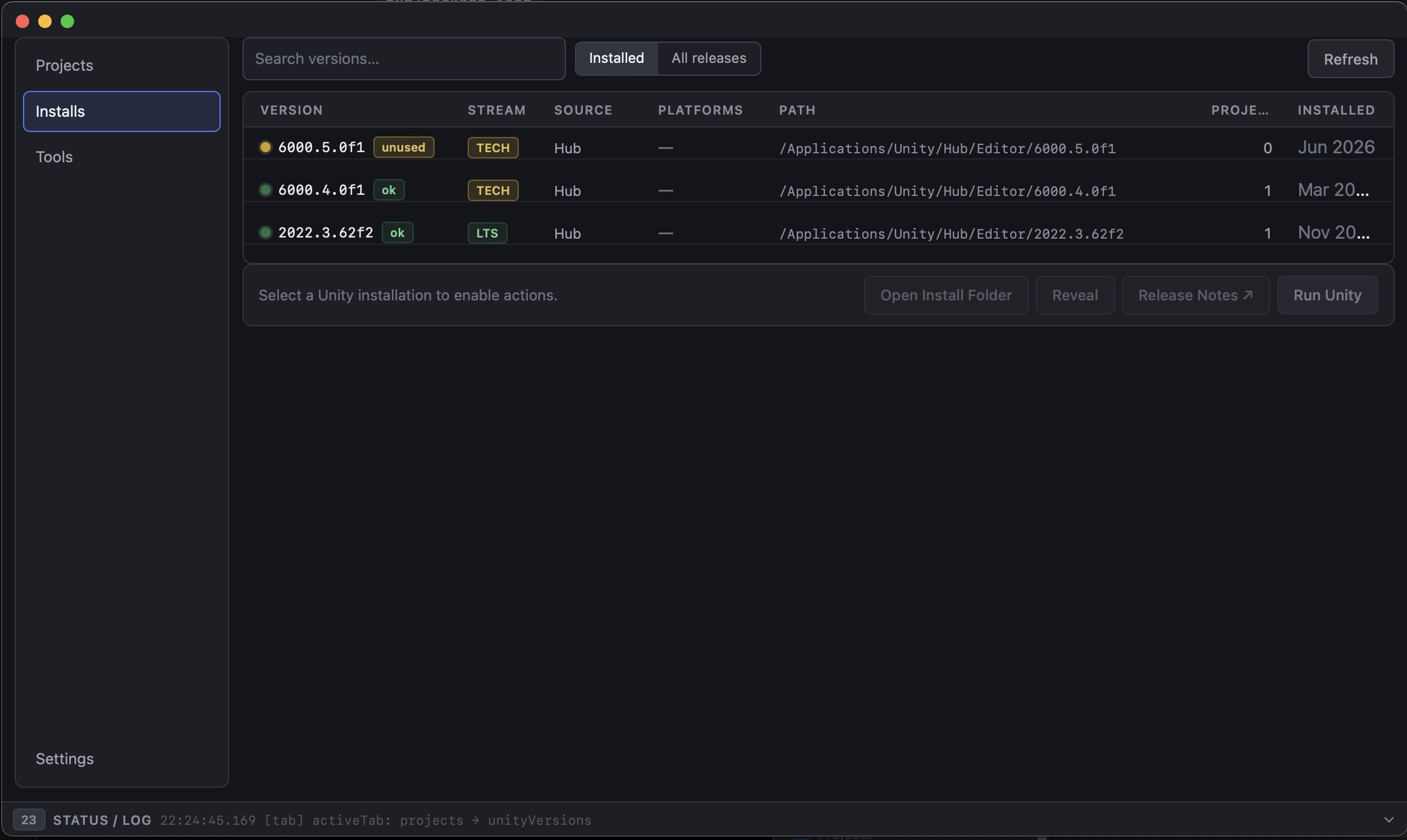
Unity Versions tab

Discover installed Unity versions alongside an All releases view of recent LTS/TECH/BETA/ALPHA streams, with cached refresh.

Maintainer panel

For Open MCP repositories: build, test, version bump, publish dry-run, and publish — with npm cwd pinned to mcp-server/.

Core concepts

How Unity Hub Pro stores state, stays safe, and integrates with the shell. Behaviors documented as reference entries with config paths and CLI syntax.

~/.config/unity-hub-pro/

macOS/Linux: ~/.config/unity-hub-pro/ · Windows: %APPDATA%\unity-hub-pro\

All Hub state lives in a platform-specific config dir as two JSON files: settings.json (preferences) and projects.json (project inventory).

save_settings / save_projects

Config writes go through a temp-file + rename and recover automatically from corruption — a truncated file is restored from safe defaults and backed up as .json.corrupt.

logs/launches.log

Record fields: timestamp, projectId, unityVersion, pid, launchArgs, buildTarget, outcome

Per-launch JSON-Lines on a dedicated OS thread (never blocks Unity spawn), with size-based rotation at a 5 MB cap and a get_launch_log_tail command (clamped to last 2000 lines).

LaunchError codes

Failure outcomes carry typed codes for actionable UX: projectNotFound, pathInvalid, versionMissing, installNotFound, launchFailed — plus a Reveal crash logs quick-action.

env_var_collisions

Per-project KEY=value pairs merged into the spawned Unity env (child overrides parent). Collision lookup is non-mutating (no Unity spawn) and feeds a confirmation modal.

unity-hub-pro -projectPath <path>

Exit 0 = spawned · Exit 1 = path/version/spawn error

Launch Unity from the terminal; if -projectPath is present, the Hub resolves the install and spawns the editor without opening the window.

unity-hub-pro -projectPath "$PWD"

AI Setup wizard

Six steps that take a Unity project from unconfigured to a verified MCP setup. A Clear AI Setup button removes all wizard artifacts (with .bak backups).

Step 1

Checks the Unity layout and version, Node.js 18+, a writable manifest, and whether bridge/verify/config are already present.

Step 2

Choose how the MCP server runs — npx default, an optional global install, or a local checkout pointed at mcp-server/dist.

Step 3

Install or upgrade the bridge and verify packages (and optional domain dependencies), with a manifest diff to review before applying.

Step 4

Writes the MCP client config for Cursor, Claude Desktop, OpenCode, or ZCode — each with its own JSON shape and (for ZCode) skills under .agents/skills/.

Step 5

Optionally copy a SKILL.md playbook so the assistant knows the available Unity tools and the gate workflow.

Step 6

Launch Unity, wait for compile, and run health checks (bridge ping + tool inventory) to confirm the setup is live.

Architecture

A SvelteKit + Svelte 5 frontend (runes-based state) talks to a Rust backend of #[tauri::command] functions in hub/src-tauri/src/.

Commands handle filesystem reads/writes, Unity version discovery, project launching with diagnostics logging, git status, line counts, and the maintainer npm flows.

SvelteKit UI → invoke() → Tauri commands (Rust) → filesystem / Unity spawn / npm